Timeline
On the timeline, you can view posts in newest order. Open it on the home screen to quickly find posts that catch your eye.
The timeline shows quick posts, touring posts, and gadget info mixed together in newest order.
When You Are Not Logged In
All posts are arranged in newest order. Regardless of who you follow, you can see the latest posts from across the whole site in order.
When You Are Logged In
You can switch between “Recommended” and “Follows” with the tabs at the top of the timeline.
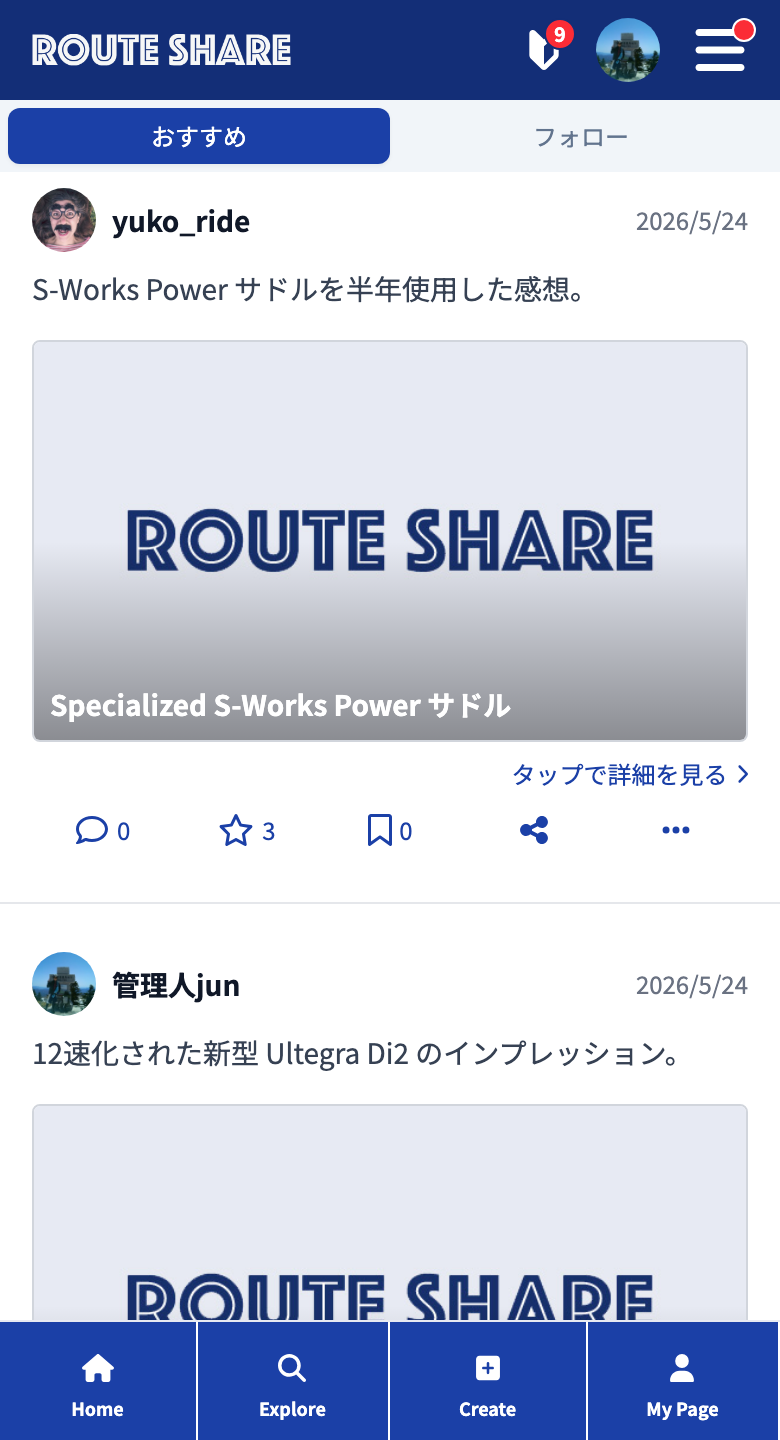
Recommended
Just as when you are not logged in, all posts are arranged in newest order. Even if you don’t follow anyone yet, you can discover a wide range of new posts.
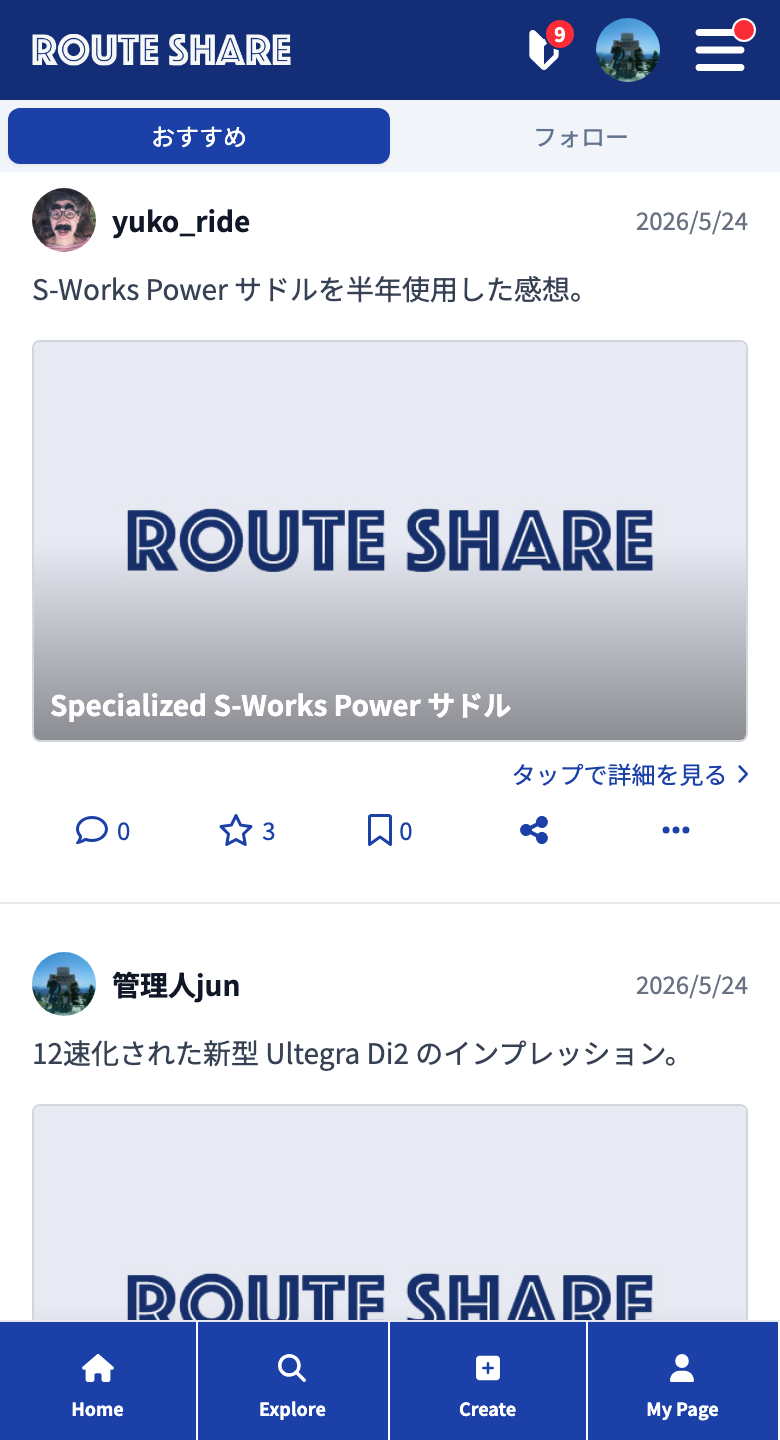
Follows
Only posts from users you follow are arranged in newest order. Use it when you want to keep up only with the latest activity of your favorite posters.
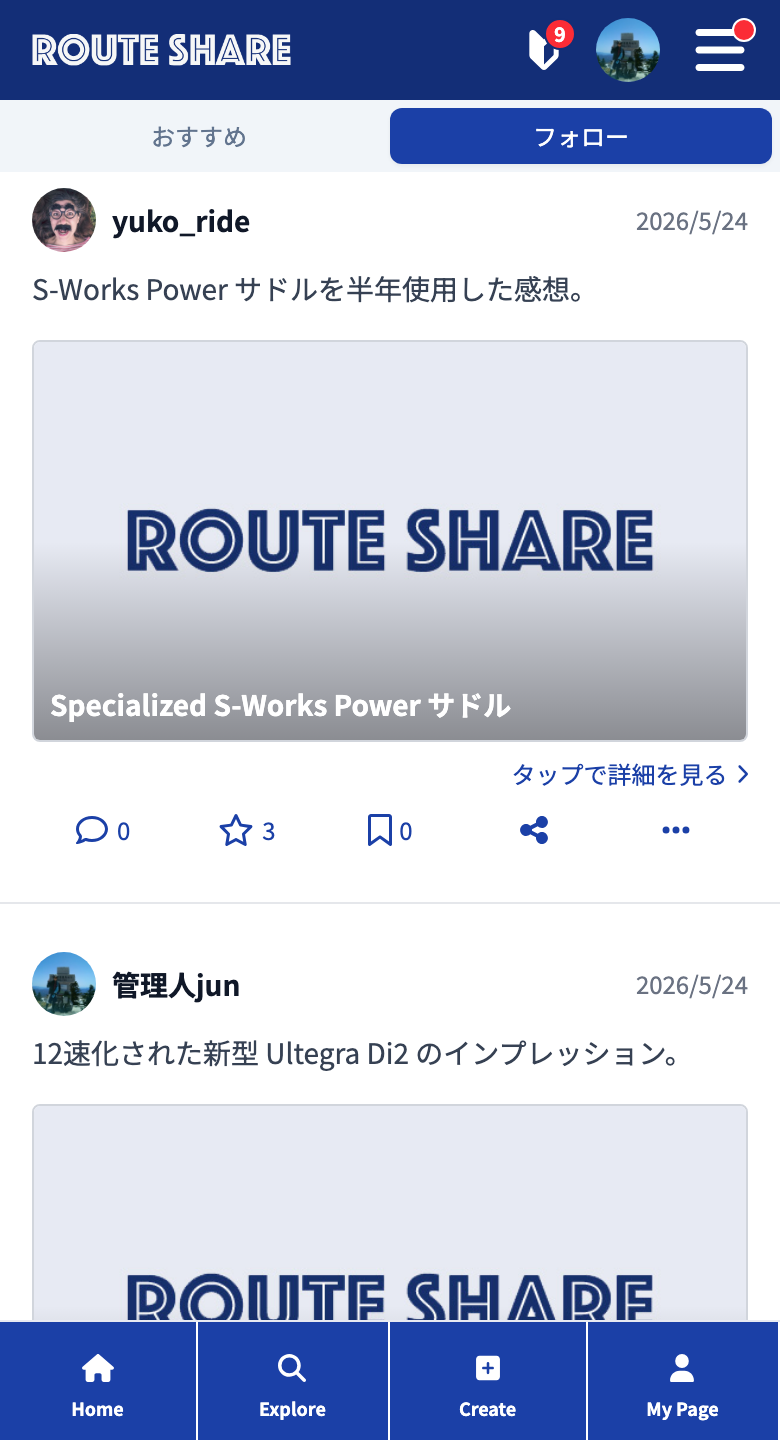
If you don’t follow anyone yet, there are no posts to show. Find people who interest you from Search (user list) and try following them.
Taking In New Posts and Reading On
- Pull to refresh: Pull the screen down at the very top to refresh to the latest state (smartphone).
- Refresh button: You can also get the latest with the “Update” button at the top of the timeline (computer).
- Latest content ↑: When new posts arrive while you’re viewing, a “Latest content ↑” button appears at the bottom of the screen. Pressing it scrolls to the top and loads the new posts.
- Auto-load: Scrolling to the bottom automatically loads more posts.
Tapping a post opens its detail page. For details on how to read posts, see How to read posts.
Tutorials
- Quick Start
Getting started with RouteShare
- Explore
List, map, and article views
- Account
Sign up, login, profile, settings
- Create
Quick posts, touring posts, gadget articles
- Planning
Create, share, and copy touring plans
- Tracking
Recording and editing tracks
- Achievements
Earning and viewing exploration achievements
- Teams
Create and join teams, team posts and chat
- Actions
Likes, comments, follows
- Manage
Managing your posts