Browsing from the Map
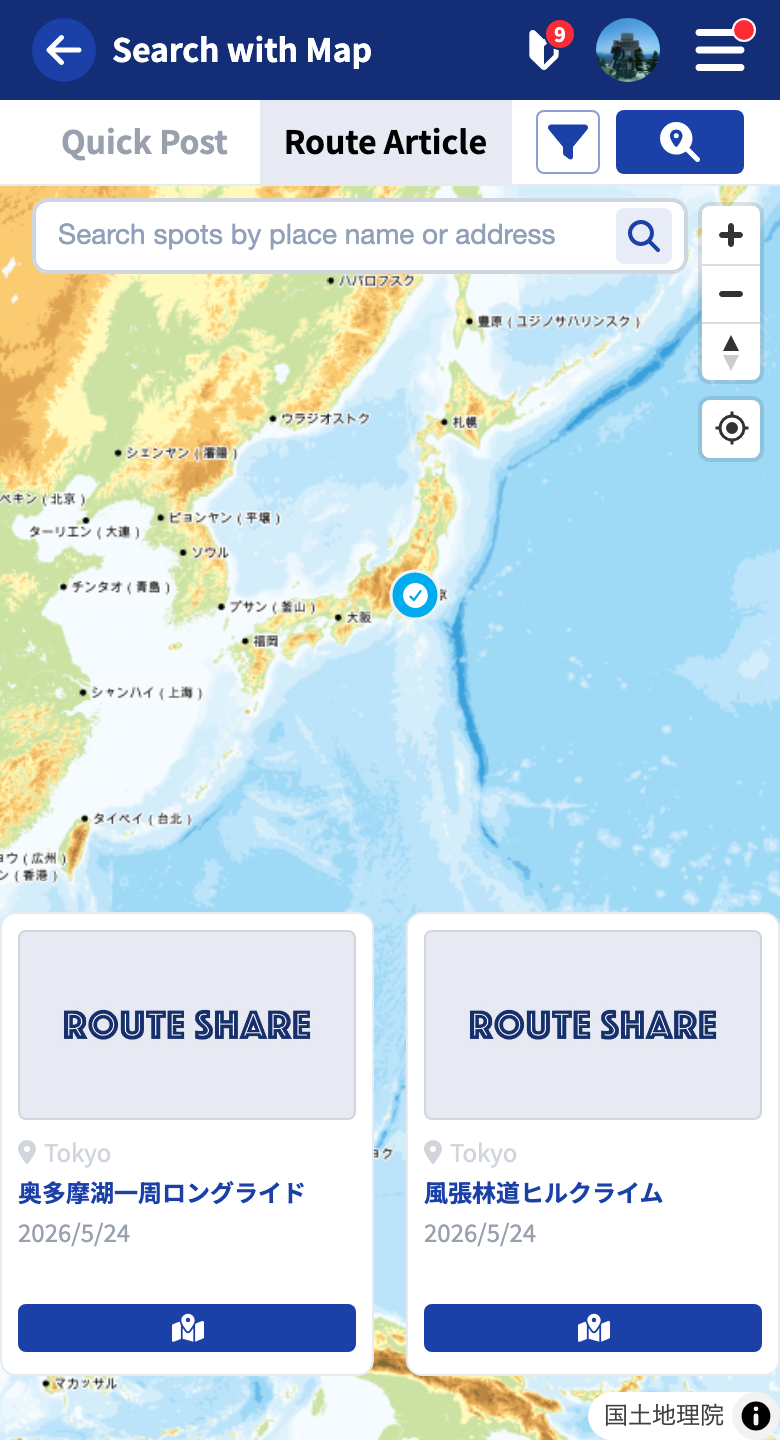
With “Browsing from the map,” you can find posts within the map area currently shown. It’s handy when you want to narrow your search to a specific region.
You can switch to it with the “Search on map” button at the top of Browsing from the list.
Supported Post Types
Map search targets the following two types. Switch between them with the tabs.
- Quick Post (posts with location information)
- Touring Post (posts with geographic information)
Gadget info and users are not covered by map search (use Browsing from the list).
Moving the Map to Search
To search the map area you are currently viewing, use the “Search this area” button.
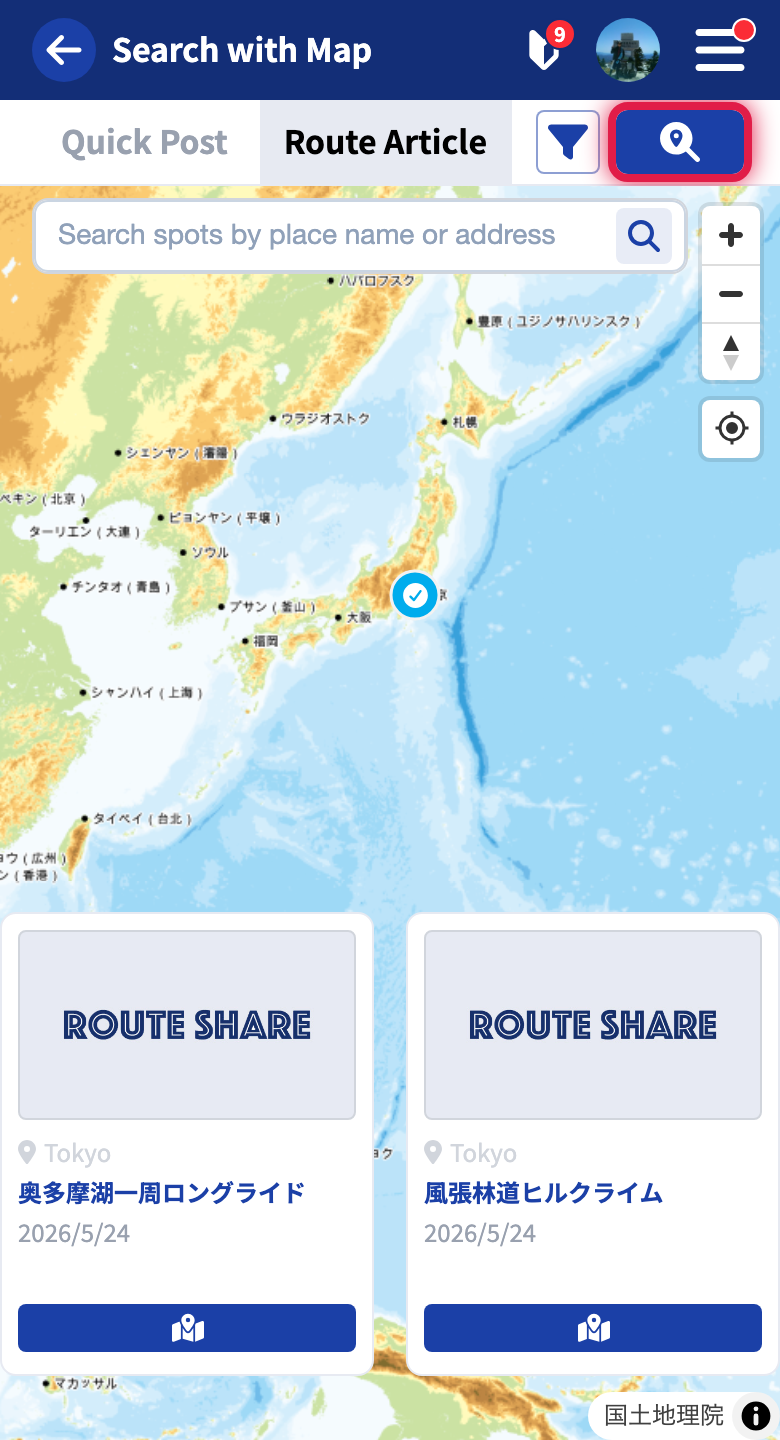
Tapping it re-fetches results, narrowed to the posts within the new area.
How to Read the Results
On a Computer
A list of cards is shown on the left side of the map. Hovering over a card highlights the corresponding marker or line on the map. Tapping it opens the detail page.
On a Smartphone
Results are shown as a carousel at the bottom of the map. Swipe sideways to check the next post.
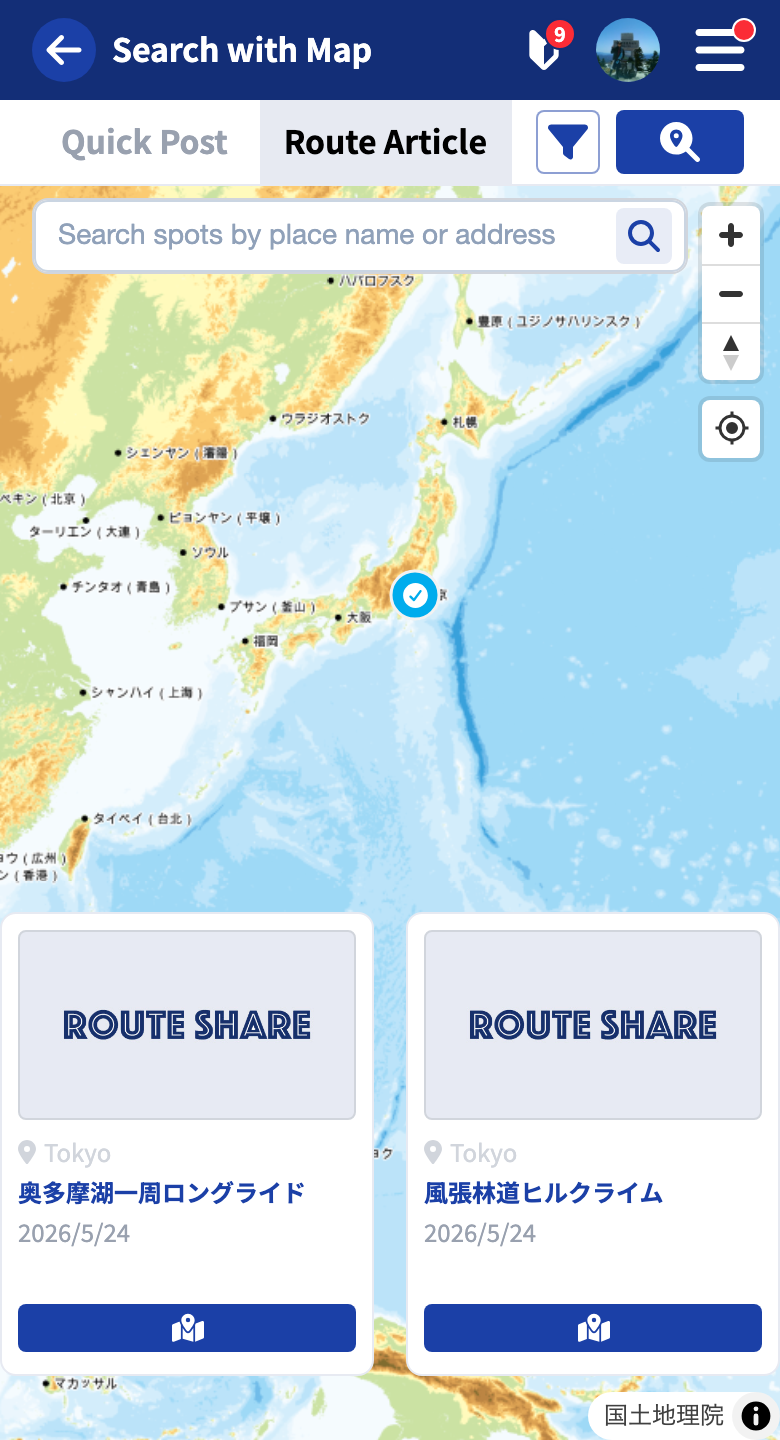
Pressing the button on a card (computer) or in the carousel (phone) focuses (zooms) the map on the spots and lines contained in that post. Even for posts where the position is hard to tell from the thumbnail alone, this lets you instantly check the shape and extent of the route on the map.
Tapping a marker or line directly on the map also selects the corresponding post.
Detailed Search Conditions
From the filter button, you can also narrow down by keyword or tags. The settings work the same way as in Browsing from the list.
Geographic Search
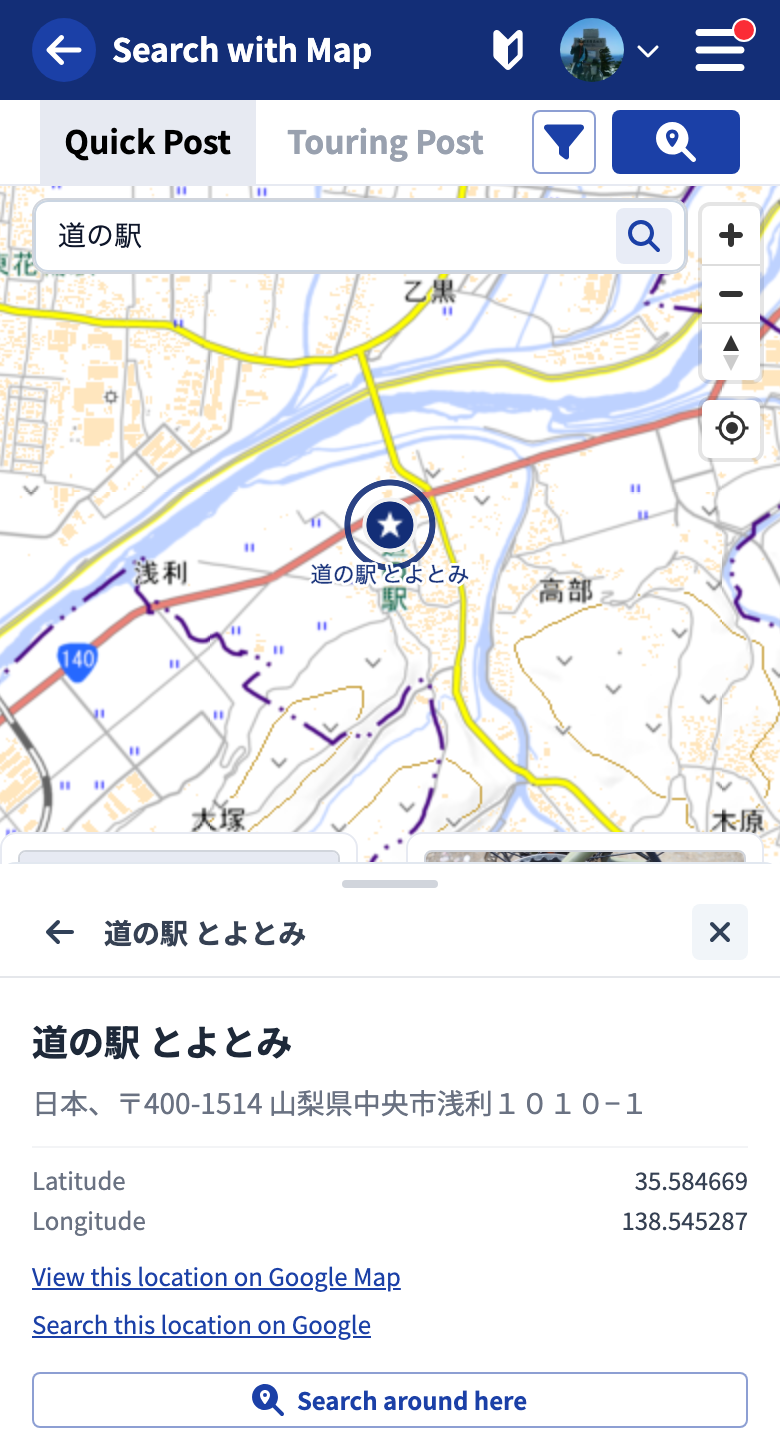
To search for famous places, landmarks, or place names, you can run a keyword search from the geographic search field. Note that this is not the field for keyword-searching the content of posts.
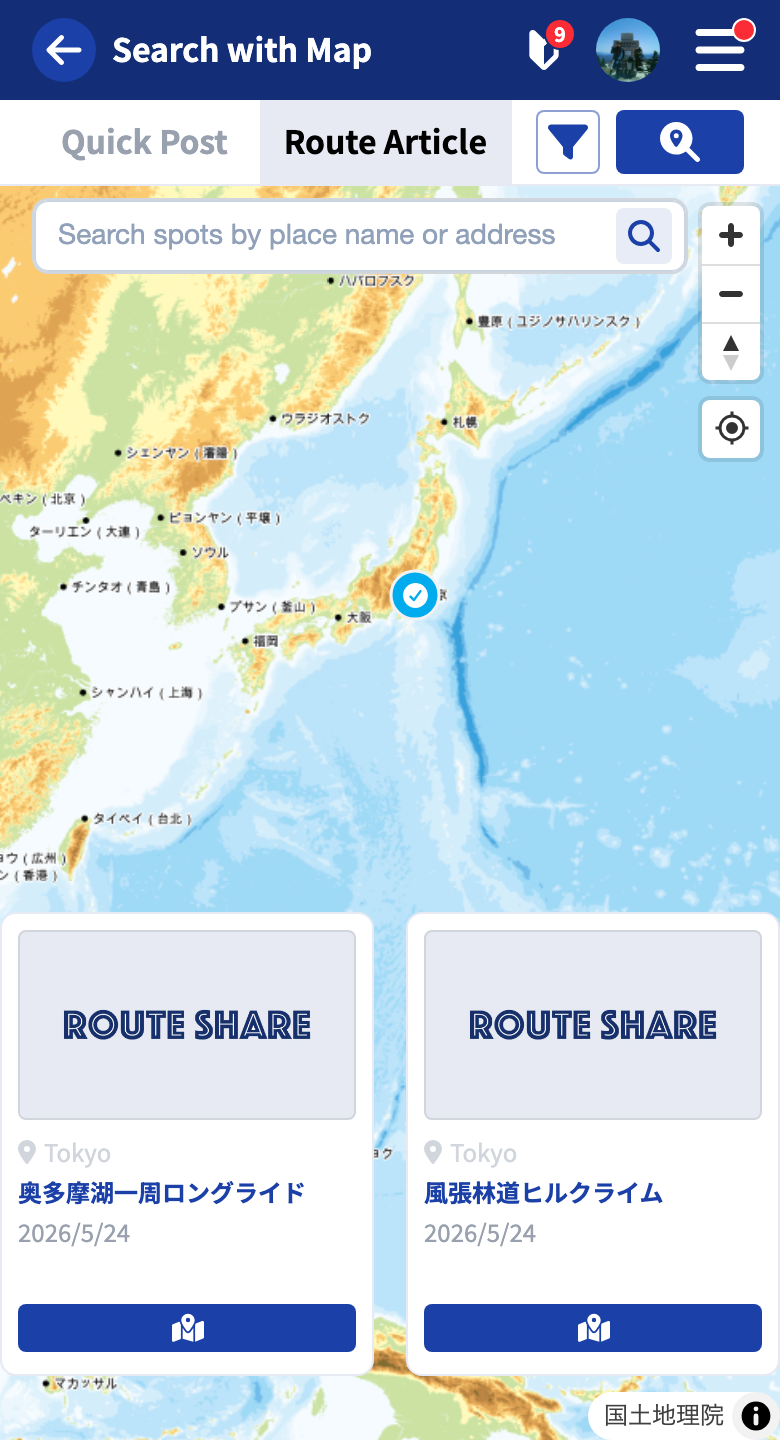
When you search with a keyword, the spots found are shown as a list, and their names also appear on the map.
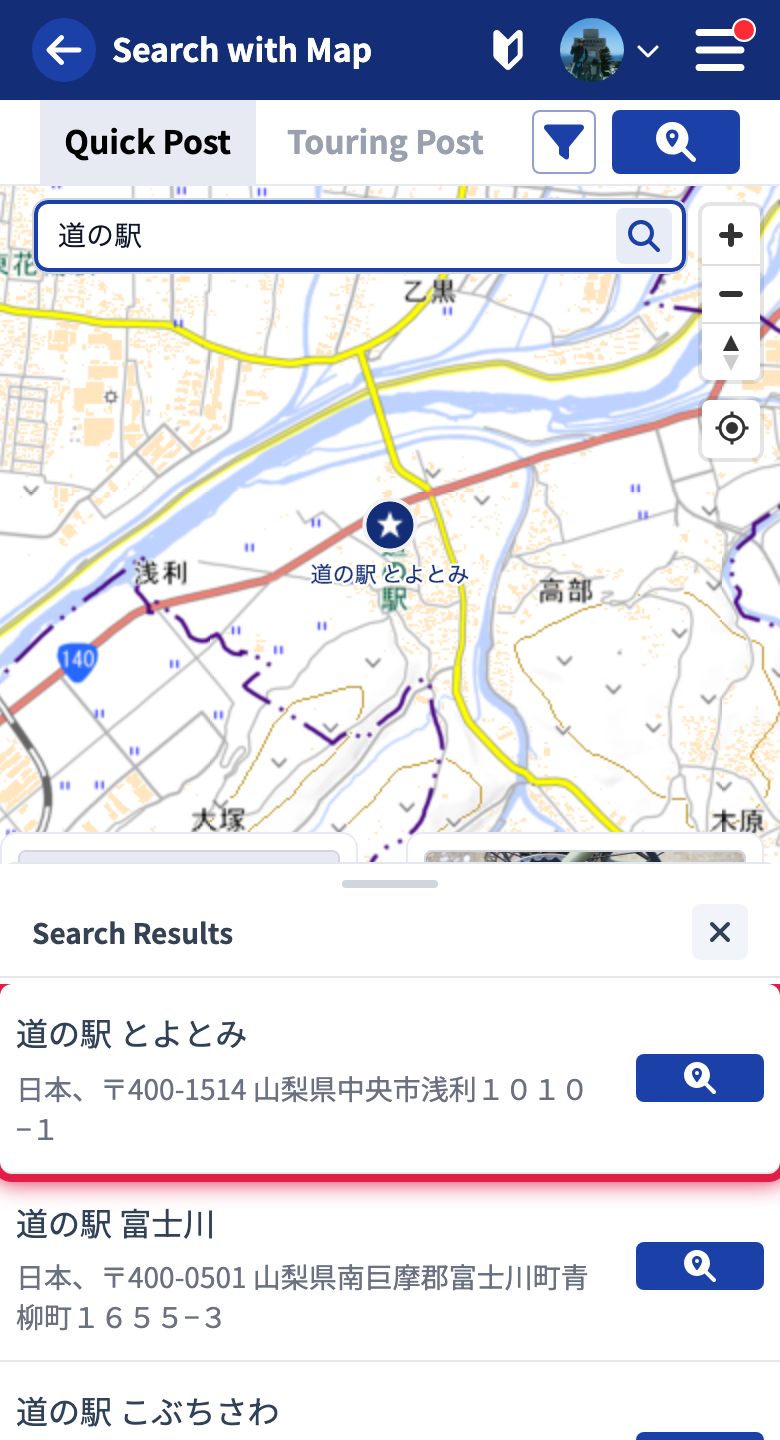
Results that correspond to a RouteShare official spot show a category badge (for example, roadside station, station, or viewpoint) under the name. Use it as a hint that the place is registered as an official spot. The badge may be missing for some places, but this does not affect searching or posting.
Tapping an item in the list, or a spot on the map, switches to the detail view. There you can see the address and coordinates, open the place in Google Maps, and search for posts around it. Use at the top left to go back to the list, and to end the geographic search.
Tutorials
- Quick Start
Getting started with RouteShare
- Explore
List, map, and article views
- Account
Sign up, login, profile, settings
- Create
Quick posts, touring posts, gadget articles
- Planning
Create, share, and copy touring plans
- Tracking
Recording and editing tracks
- Achievements
Earning and viewing exploration achievements
- Teams
Create and join teams, team posts and chat
- Actions
Likes, comments, follows
- Manage
Managing your posts