Creating Gadget Info
Gadget info is a post specialized for reviews of gear and gadgets for bicycles and motorcycles. It has no geographic information, and you can write it carefully with text and photos.
Choosing the Post Type
Tap “Create” at the bottom of the screen. A screen for choosing the post type opens; choose Gadget Info here.
| Type | Difference |
|---|---|
| Touring Post | A full-fledged article made with a map, text, and photos. See Creating a touring post |
| Quick Post | A quick post with short text and photos. See Creating a quick post |
| Gadget Info | A gear review article. Explained on this page |
The Editor’s Structure
There are two tabs: “Post Content” and “Title & Settings.” There is no Geographic Info tab like in a touring post.
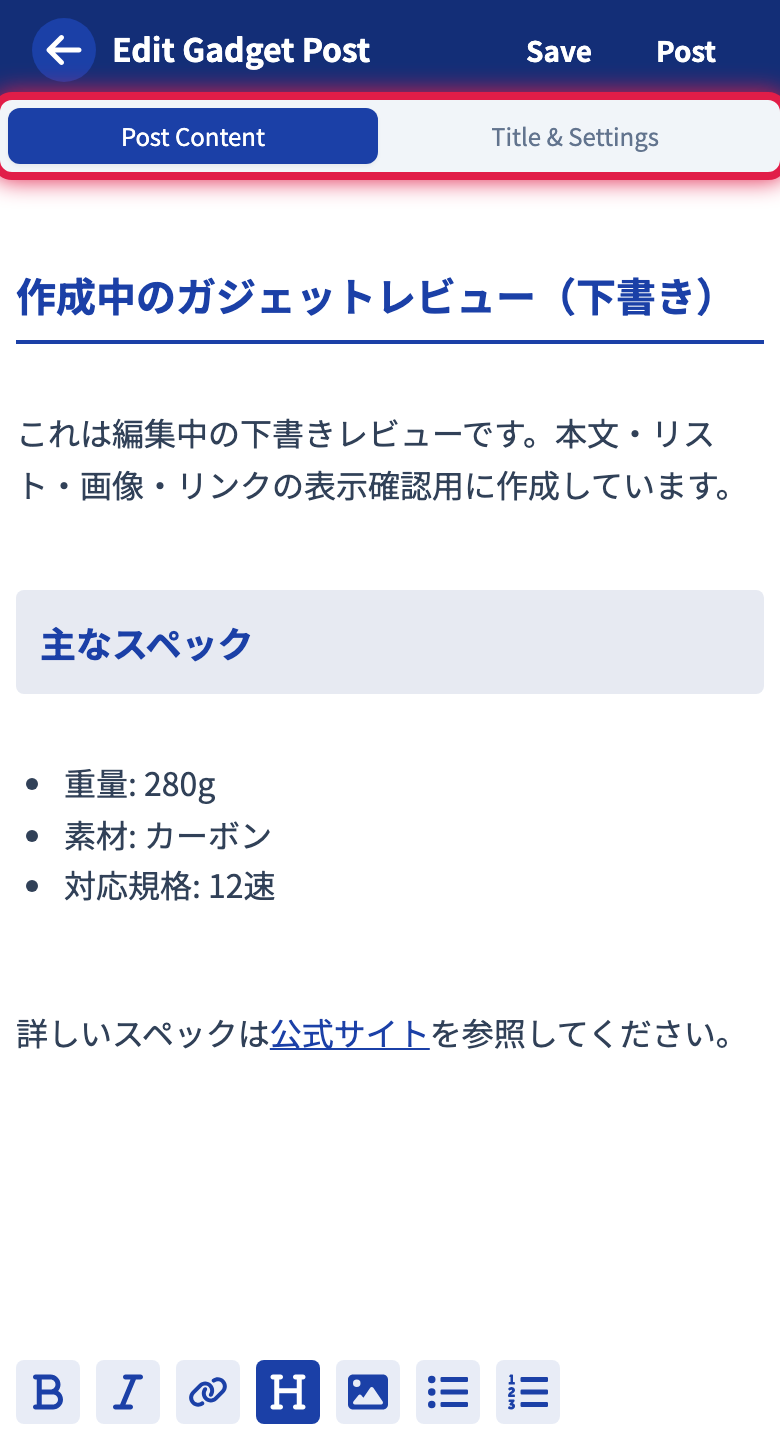
Post Content Tab
Enter the body. You can use a variety of formatting such as headings, bullet lists, and images, but since there is no map feature, map links are not available.
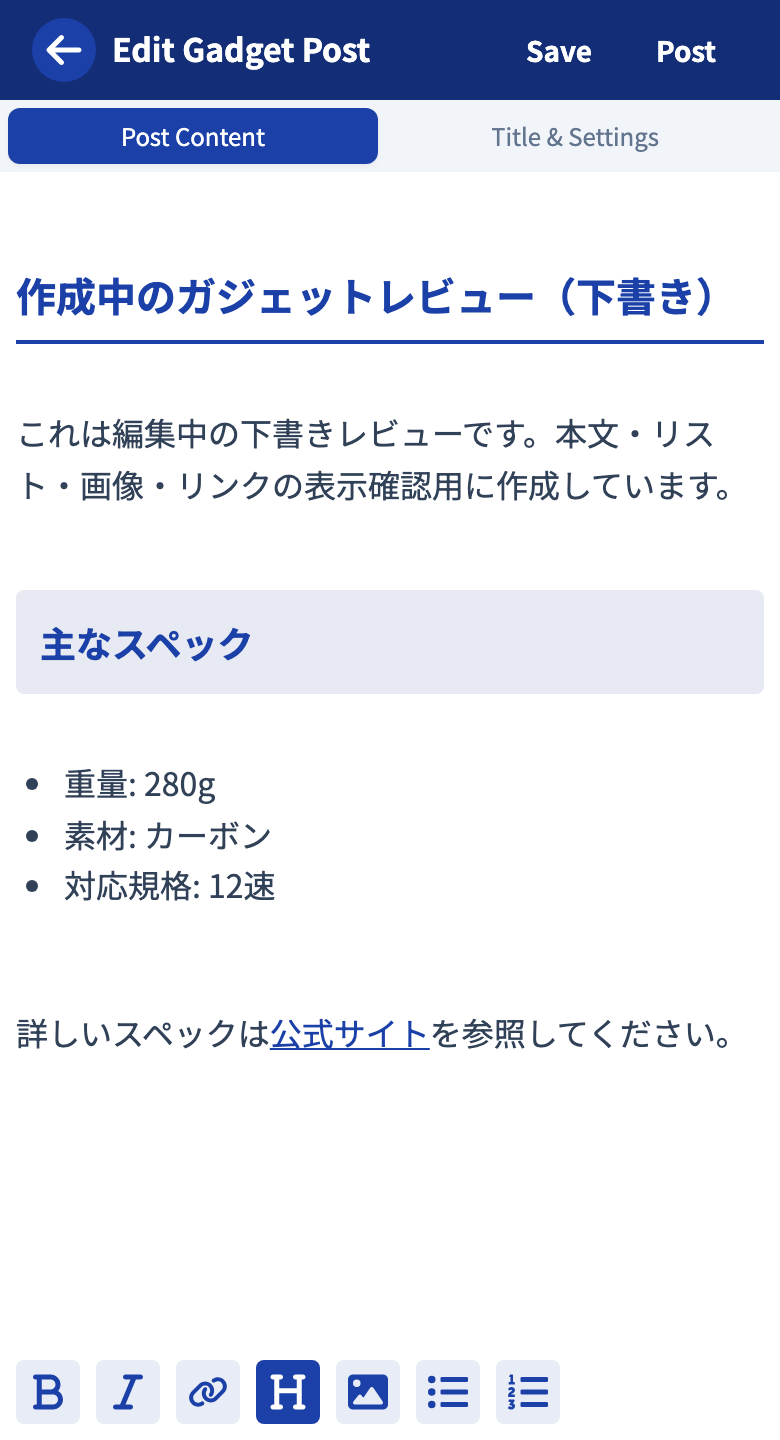
For detailed operations, see Using the rich text editor.
Title & Settings Tab
Configure the settings unique to gadget info.
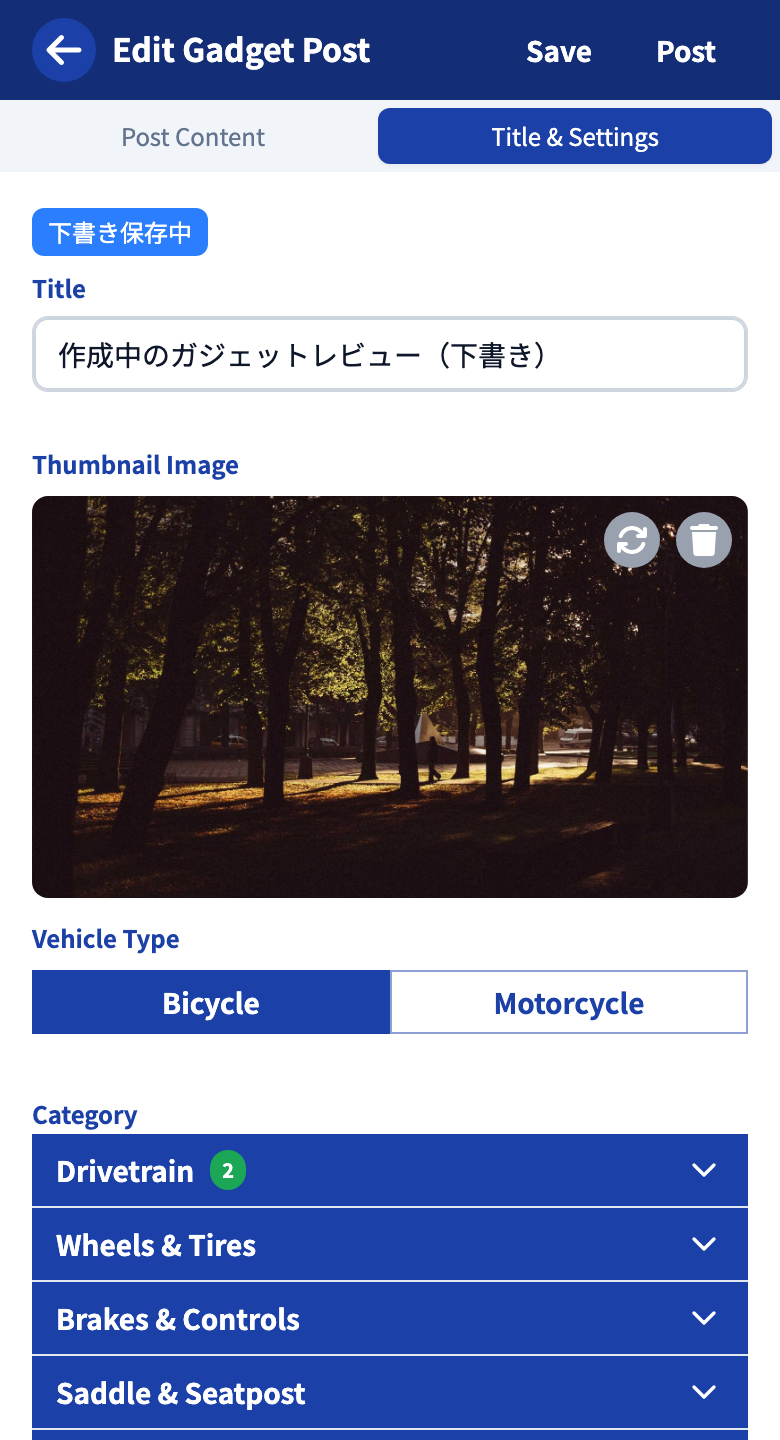
| Item | Details |
|---|---|
| Title | The title of the post |
| Category | Choose from the categories narrowed down by the selected type. You must select one |
| Thumbnail image | The image shown in lists and on your profile |
Publishing
Tap “Save” to keep it as a draft, or “Post” to publish. After publishing, you can apply edits with “Update,” and temporarily make it private with “Return to draft.”
You can open published gadget info from “Created content” on My Page, and drafts from “Drafts.”
Gadget info has no tags or limited-by-URL publishing. Posts are found from category pages and search.
Tutorials
- Quick Start
Getting started with RouteShare
- Explore
List, map, and article views
- Account
Sign up, login, profile, settings
- Create
Quick posts, touring posts, gadget articles
- Planning
Create, share, and copy touring plans
- Tracking
Recording and editing tracks
- Teams
Create and join teams, team posts and chat
- Actions
Likes, comments, follows
- Manage
Managing your posts