Import from Strava
RouteShare allows you to connect to your Strava account and import your activities and routes to create articles. You can record your activities on your Strava account, and then post them on RouteShare as a ride blog.
How to cooperate
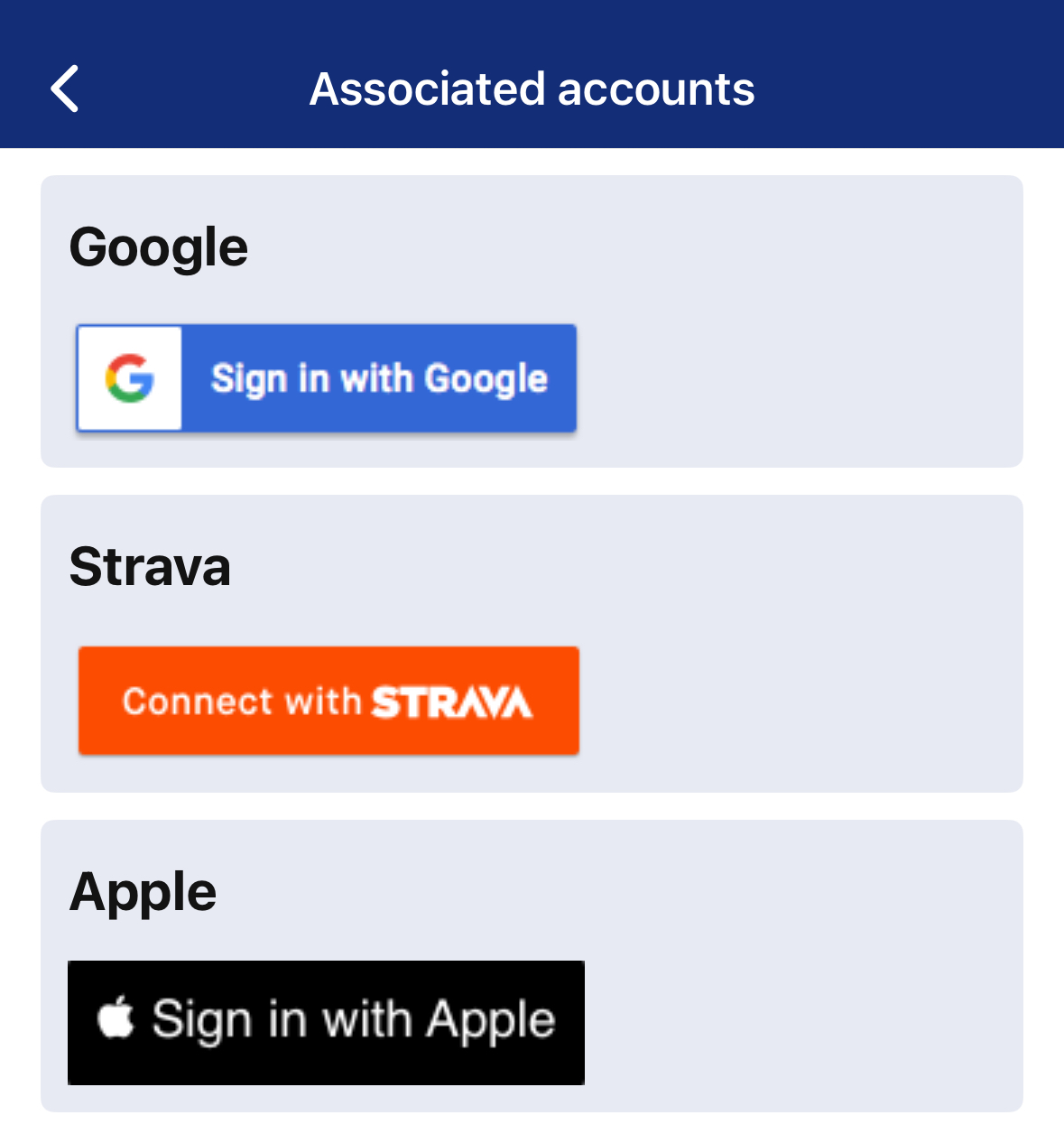
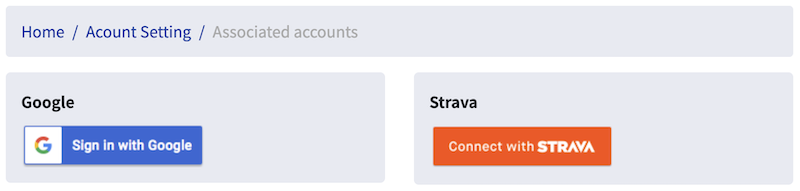
To connect, go to Account Settings and go to Associated Accounts, click Connect with Strava and follow the instructions to allow Strava to connect.
## Create from Strava
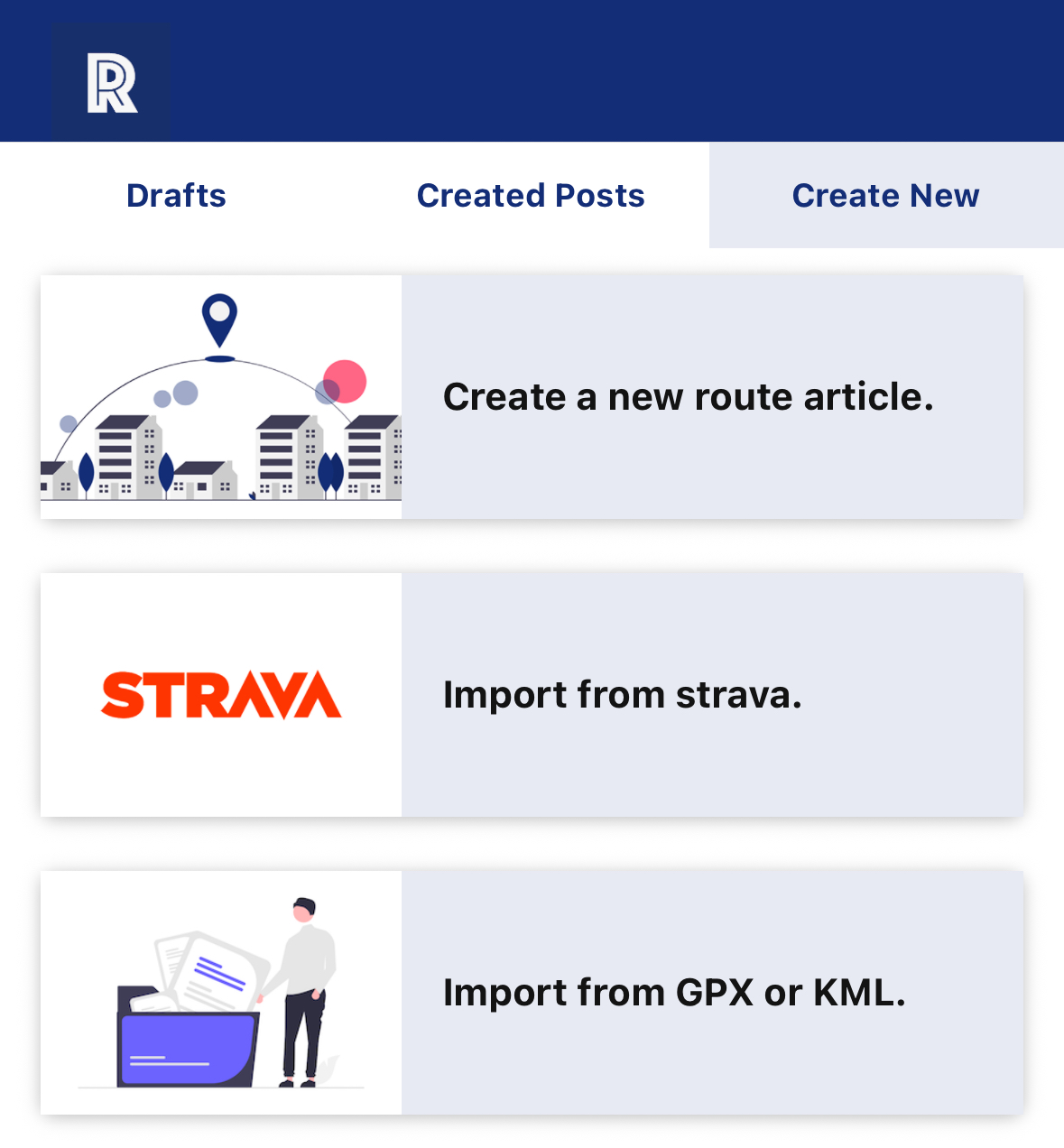
When creating from Strava, click Create New Route and select Import from Strava.
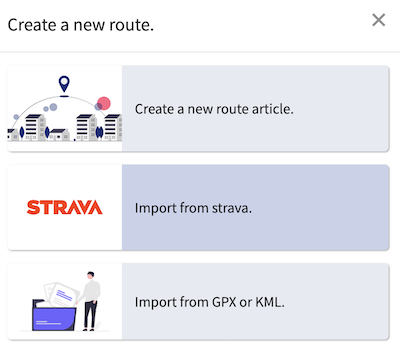
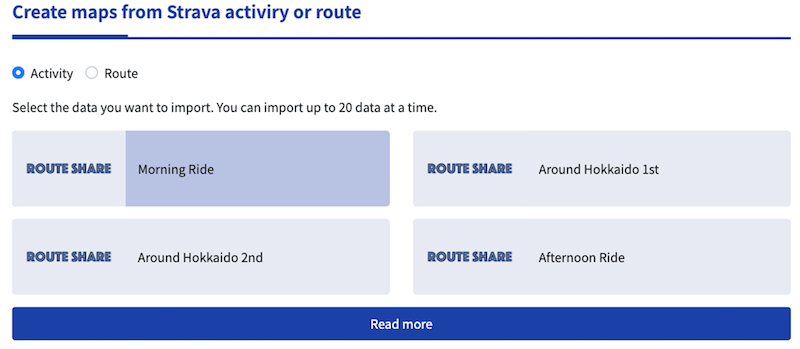
If Strava is linked and you have activities/routes to import, they will be listed as follows. You can select multiple items to import. After making your selections, click Import to begin importing. It may take a minute or two for the import to complete. You will be notified when the import is complete.
Route articles imported from Strava will be saved as drafts, so please edit and publish them from the route you created. The title will be set to the activity/route name.